01
Upload your image
Choose a clear JPG, PNG, JPEG, or WEBP, then add a product photo, portrait, lifestyle image, illustration, or architectural visual.
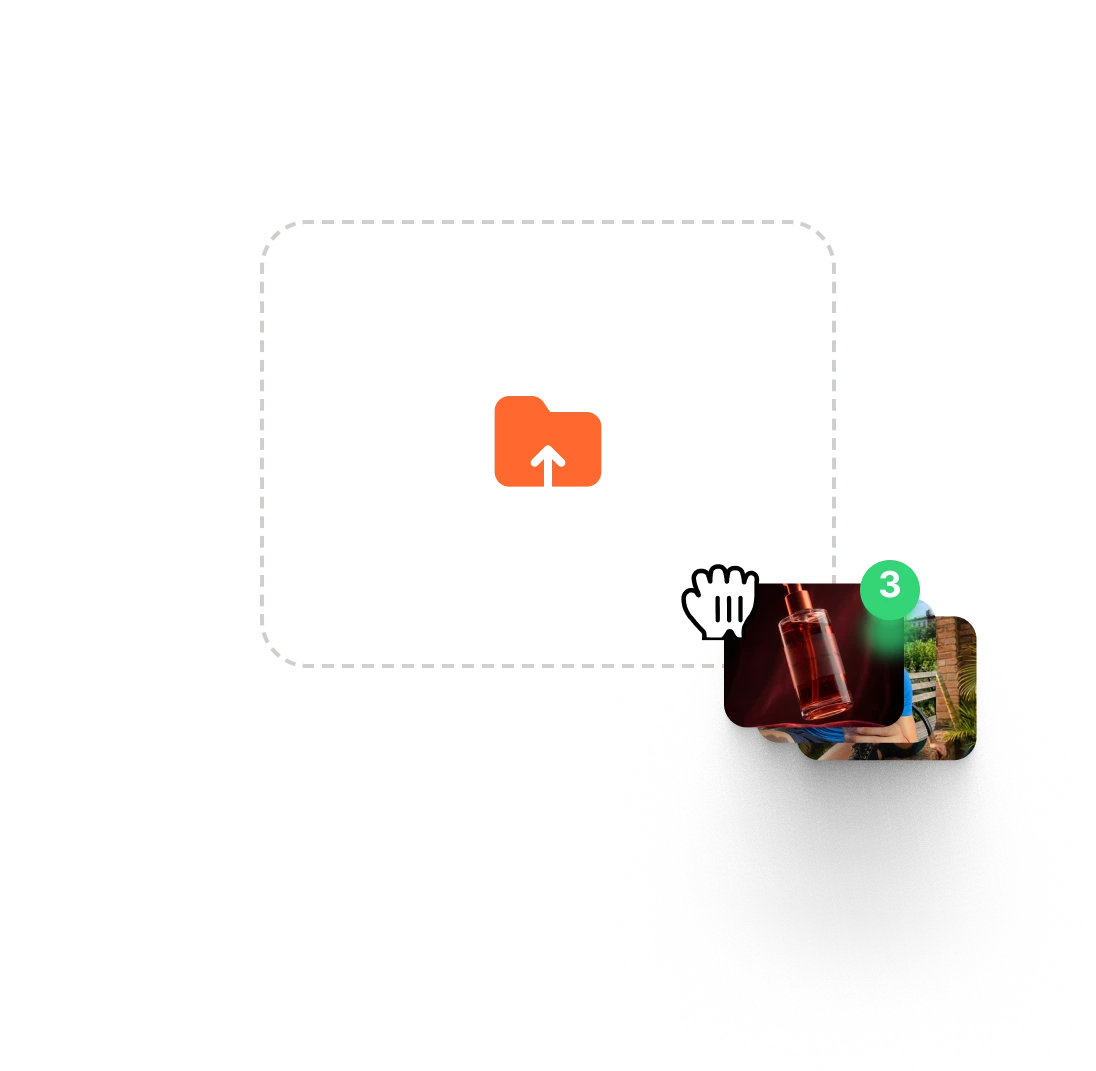

Upload a product photo, portrait, illustration, or lifestyle image. VidAU Image to Video lets you describe the motion you want, choose the AI model that fits the idea, and turn your still into a polished video without building an editing timeline.
VidAU brings leading video models into one workspace, so visitors can choose the engine that best matches the shot instead of forcing every image through the same creative style.
Show several before-and-after examples with the original image, the exact motion prompt, and the generated result.
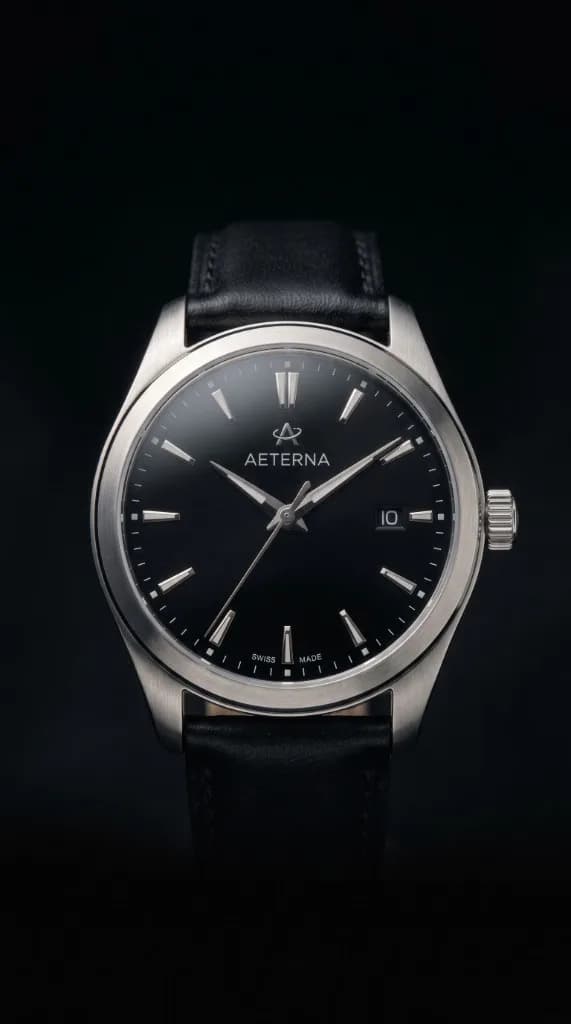
Prompt
The watch remains centered while the camera completes a slow orbit. Soft studio reflections move across the metal. Premium black background, controlled pace, logo unchanged.
Follow a simple image to video flow in three clearsteps, from upload to a polished, share-ready result.
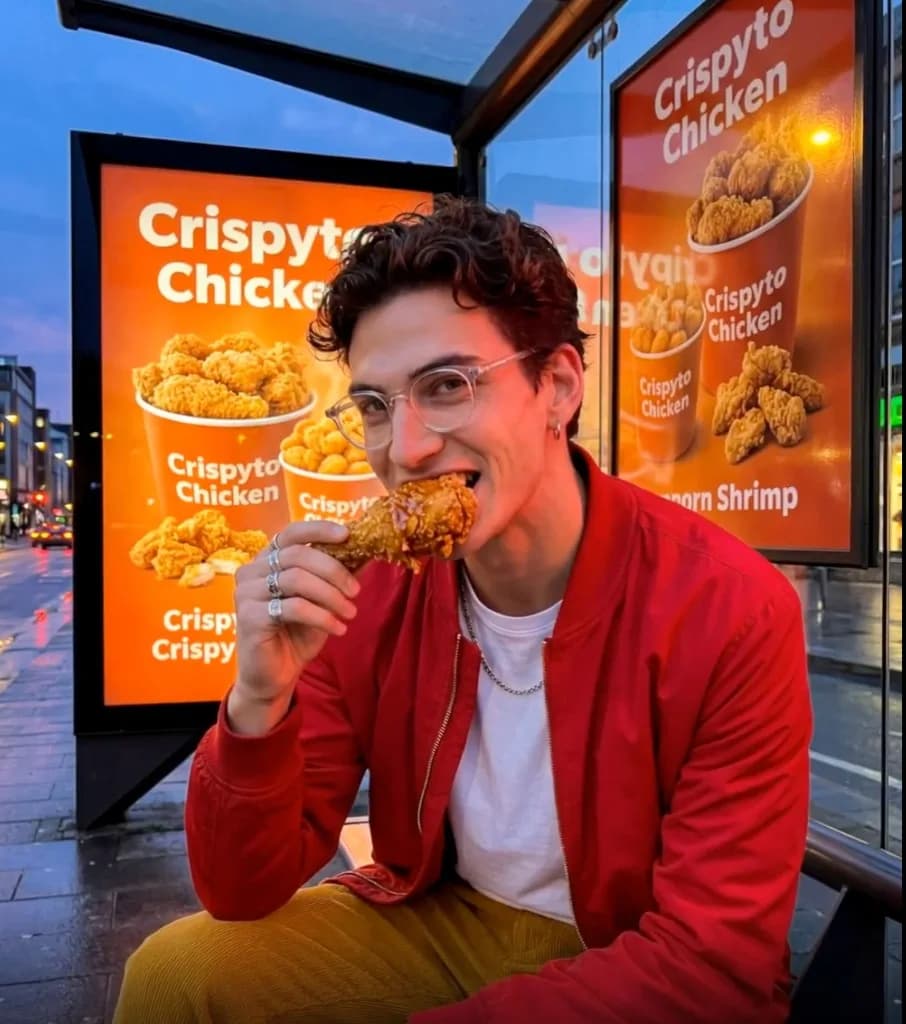

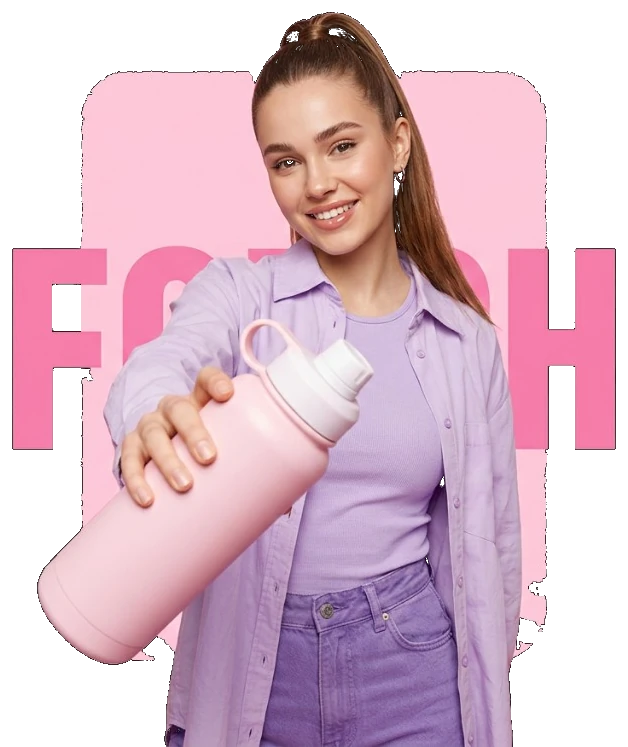
Learn how to plan stronger prompts, choose the right model, and create better image-to-video content with these practical guides.
Create share-ready videos from ideas, images, and products with a platform built for creators, marketers, and growing teams.
VidAU’s community highlights faster video creation, an easy workflow, and practical tools for producing marketing content. See how Image to Video can support different teams below.
“VidAU helped us turn product photos into short launch videos for Reels and product pages. We could test more creative ideas without organizing another shoot.”
“VidAU helped us turn listing photos into moving property teasers for social media. Each listing became easier to present and faster to promote.”

“VidAU gave our team a quicker way to turn approved client images into video variations. We could adapt one concept across different campaigns and formats.”

Upload your image, choose an AI model, and direct the movement. Create product videos, campaign assets, and social content with VidAU.
Create My First Video ↗