Creators & Social Teams

Make short-form videos, interviews, tutorials, and reused clips look cleaner before publishing. A video quality enhancer is useful when good content is held back by soft detail, grain, or compression.

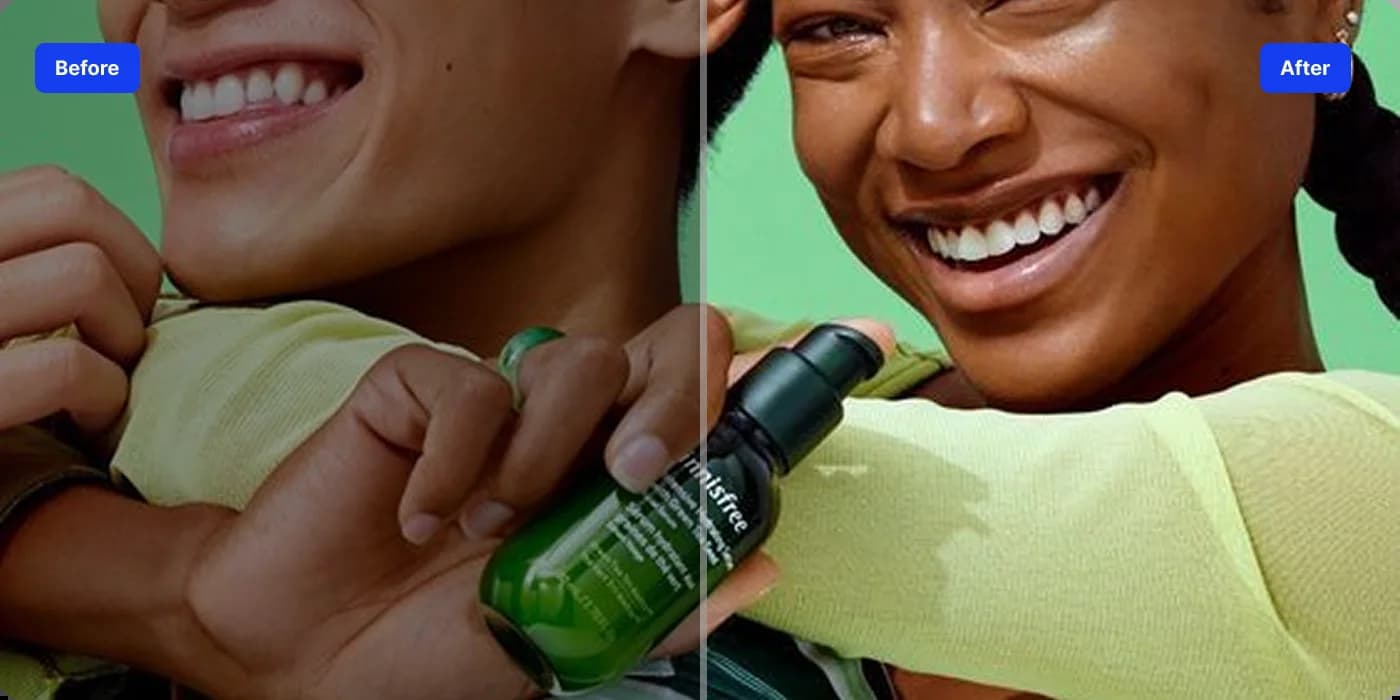
Use VidAU as an AI video upscaler when a clip needs more resolution for larger screens, product pages, campaign creative, or current social formats. The tool can upscale footage to HD or 4K-ready output while preserving natural-looking detail.

Faces, product textures, packaging, edges, and small visual details can lose clarity after compression or low-resolution recording. VidAU’s video quality enhancer restores sharper detail so important parts of the frame are easier to see without manually sharpening every scene.
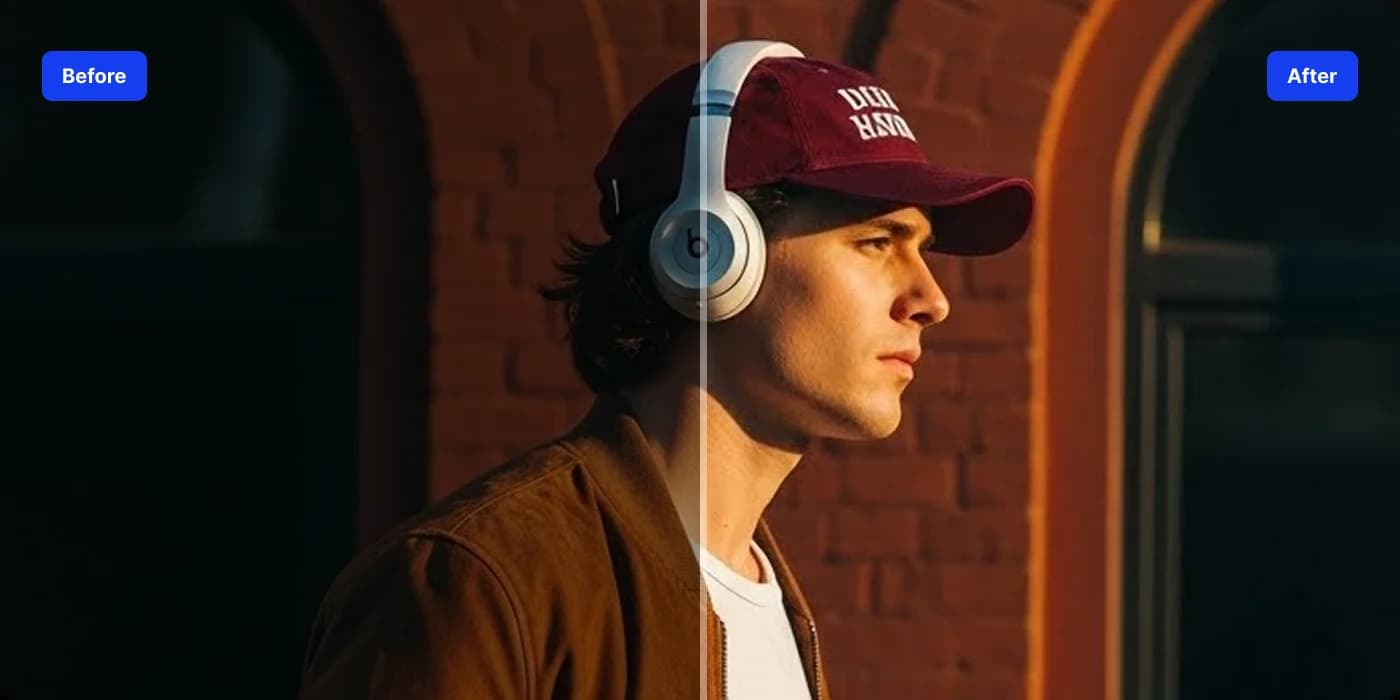
Clean up visible grain, low-light noise, and compression artifacts that make footage feel rough or distracting. The AI video enhancer helps create a cleaner, more consistent image that is easier to use in marketing, social, and presentation workflows.

Bring more balance back to footage that looks flat, dull, or poorly exposed. VidAU’s video enhancer can optimize brightness, contrast, and color tones while keeping the result suitable for product footage, people, and everyday scenes.
Creators & Social Teams
Make short-form videos, interviews, tutorials, and reused clips look cleaner before publishing. A video quality enhancer is useful when good content is held back by soft detail, grain, or compression.
Ecommerce & Marketing Teams

Improve product demos, UGC footage, and campaign assets so packaging, textures, and product details read more clearly on landing pages and social ads.
Editors & Content Teams

Use the AI video upscaler as a finishing step for older, low-resolution, or compressed footage when re-shooting is not practical.
Course Creators & Trainers

Enhance talking-head clips, walkthroughs, and recorded lessons so faces, product steps, and on-screen details are easier to follow.
The VidAU video enhancer keeps the workflow simple: upload your footage, let AI process the visual quality, then review and export the improved result.



VidAU users turn to the platform to simplify video creation, improve the quality of existing footage, and prepare content for marketing, ecommerce, and social publishing.
“We had several product clips that looked too soft after being compressed for social. Using the video enhancer gave the footage a cleaner finish and made product details easier to see without asking the team to reshoot everything.”

“I use enhancement when older footage still has the right content but no longer looks sharp enough for current screens. The cleaner detail and improved resolution make those clips much easier to reuse in new edits.”

“Some of our mobile and talking-head videos picked up grain and compression after multiple exports. Enhancing them before reposting helped the clips look clearer and more consistent across our social channels.”

Instead of replacing a useful clip, improve it. VidAU’s video enhancer helps restore clarity, sharpen important details, and make existing footage easier to reuse across different screens and campaigns.
Enhance My Video ↗